Getting paid safely
The fake invoice with your name on it
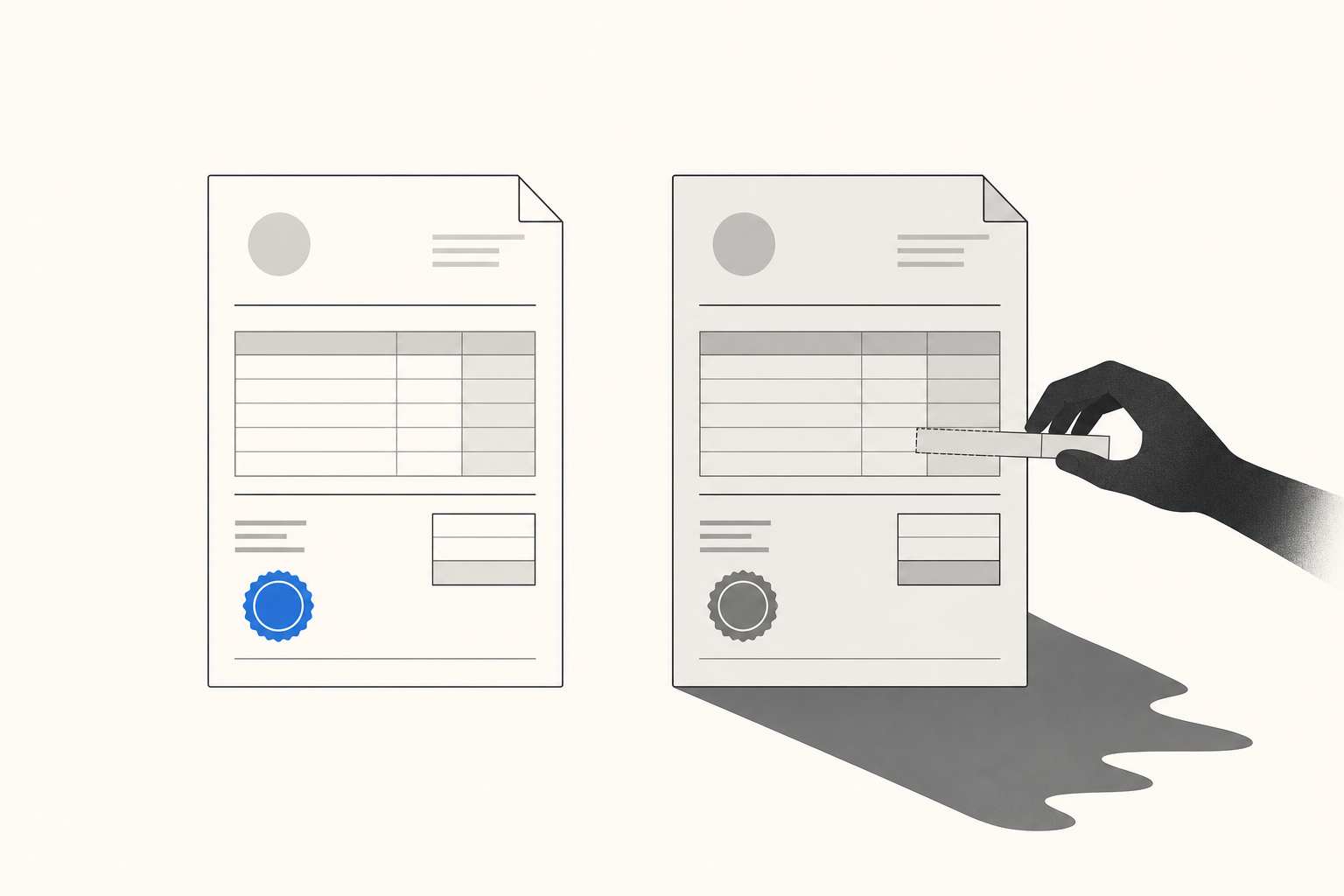
Here's a nightmare that has nothing to do with slow clients: your client did pay your invoice. Promptly, even. They just paid someone else.
It works like this. A scammer gets into an email thread — yours, your client's, or a mailbox somewhere in between — watches quietly until an invoice goes out, then sends a follow-up that looks exactly like you: same logo, same signature, same PDF layout. One thing has changed: the bank details. "Please note our updated account information." Your client's accounts-payable person, who processes forty of these a week, updates the record and pays. The money is gone, usually through a wire transfer that doesn't come back.
This is not an exotic crime. The FBI logged $3.04 billion in reported business email compromise losses in 2025 alone — over $122,000 per complaint on average — and 86% of those stolen funds moved by wire transfer or ACH, which is to say: through bank details someone typed in from an email or a PDF (FBI IC3 2025 Annual Report). Zoom out from email specifically and it gets worse: 76% of US organizations experienced attempted or actual payments fraud in 2025, and 74% were hit with business email compromise specifically (AFP Payments Fraud and Control Survey, 2026).
Big companies have fraud teams for this. You have… you. And as a freelancer you're exposed twice: once as the person whose invoice can be spoofed, and once as the person who eats the loss — because when a client pays a fraudster believing it was you, the money is gone but the work is still unpaid, and you're now negotiating with a client who feels burned by an invoice with your name on it.
Why the classic invoice is so easy to fake
The standard freelance payment flow is a chain of unverified handoffs. You email a PDF. The PDF contains your bank details as plain text. The client reads the details, retypes them into their banking portal, and sends money to whatever account the latest email said. Every link in that chain — the mailbox, the attachment, the retyping — is a place where a fraudster can substitute their account for yours, and nothing in the flow would flag it.
Notice that all the classic advice ("use a professional invoice template," "put your payment details prominently") makes the document look more legitimate without making the payment any safer. A fraudster can use a professional template too. Their whole job is looking like you on a Tuesday.
What actually closes the gap
The fix isn't a better-looking PDF. It's taking bank details out of the email entirely.
1. Pay-by-link instead of pay-by-retyping. When your invoice carries a hosted payment link — the client clicks, sees the invoice, and pays by card or bank right there — there are no account numbers for anyone to swap. The payment rail is attached to the invoice itself, and the funds settle where they always settle. On a RivitPay invoice, that's directly into your own Stripe account; we never touch or hold the money in between. There's no "updated account information" email that can redirect a click.
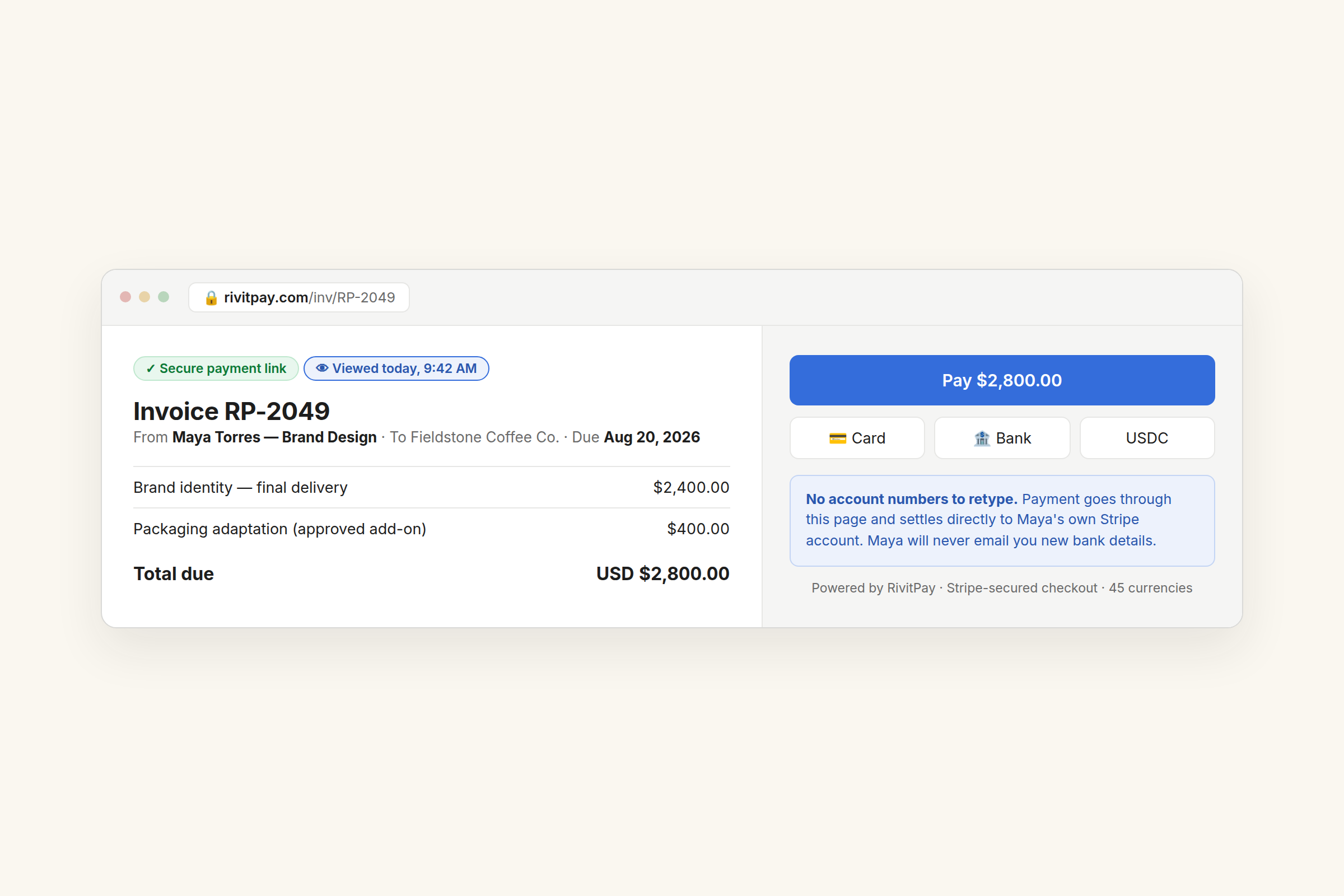
2. One channel for money, stated up front. Tell clients, in the invoice and in your kickoff email: "Payment happens through the link on the invoice. I will never email you new bank details." That single sentence turns the fraudster's best move — the bank-change email — into an instant red flag. Companies drill this into AP departments; freelancers can borrow it in one line.
3. Verify changes by voice, both directions. If a client emails that their process changed ("we pay through a new portal now"), or you genuinely must change where you're paid, confirm it on a call using a number you already had — not one from the email. The FBI's own guidance for BEC comes down to exactly this, because the fraud lives entirely inside email.
4. Watch the activity, not just the inbox. RivitPay shows you live when your invoice is opened. That signal has an anti-fraud edge you might not expect: if your client says "we paid this last week" and your invoice was never even viewed, something else was paid — and you both know to stop and check the trail immediately, while a wire recall is still plausible, instead of six weeks later. (More on what the viewed signal does for normal, non-criminal delays in Your Client Opened Your Invoice. Now What?)
The honest caveats
Slow payment costs you interest. Redirected payment costs you everything — the money, and sometimes the client. It's worth one sentence in your kickoff email and a payment link on your invoice.
Hosted payment link, live viewed-tracking, settles straight to your own Stripe account. Free until you've collected $5,000.
Make an invoice — free, no signup